Editing
How to offer virtual staging as a real estate photographer
How real estate photographers add virtual staging to their menu: shooting empty rooms that stage well, single or multi-angle staging, disclosure, pricing.
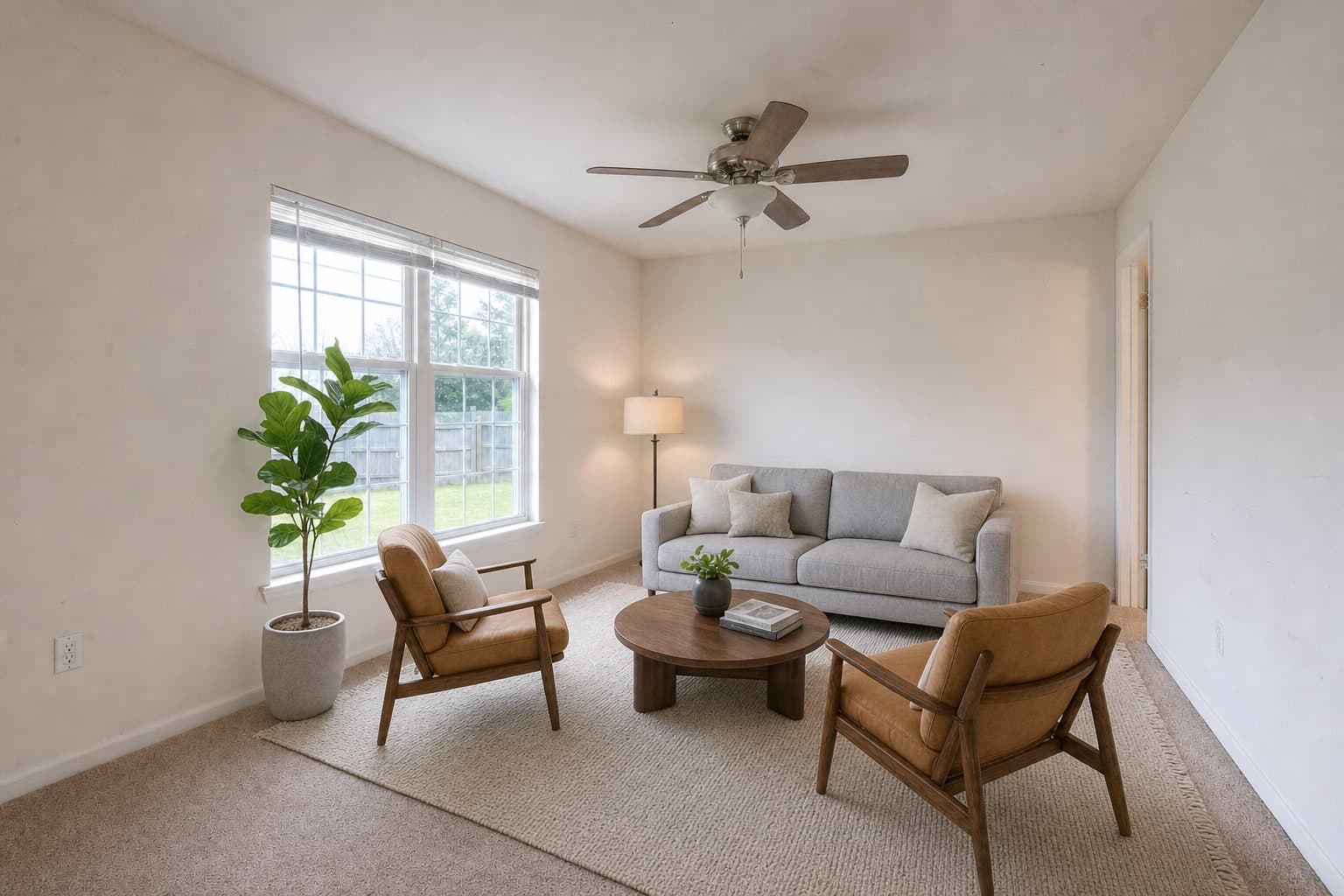
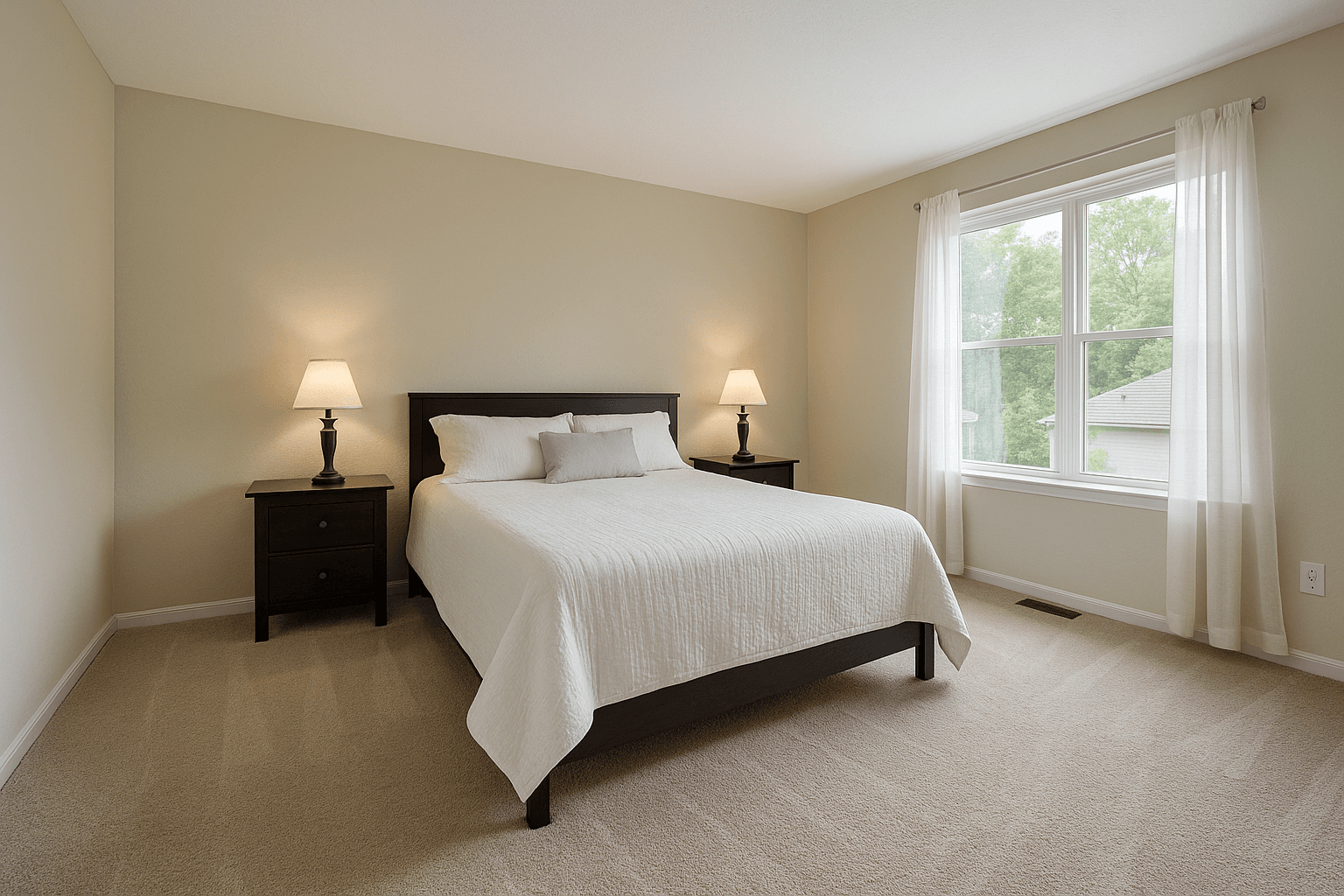
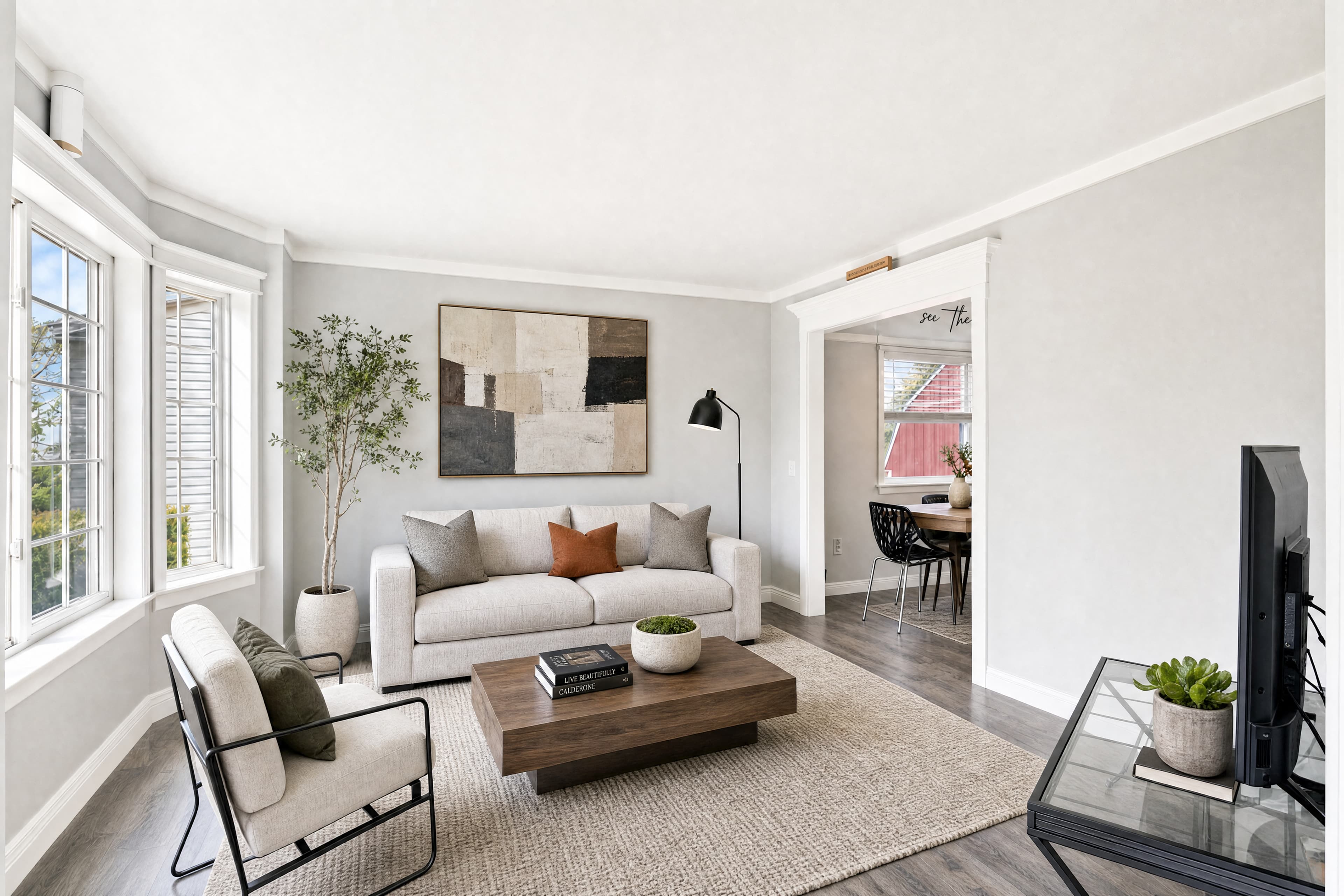
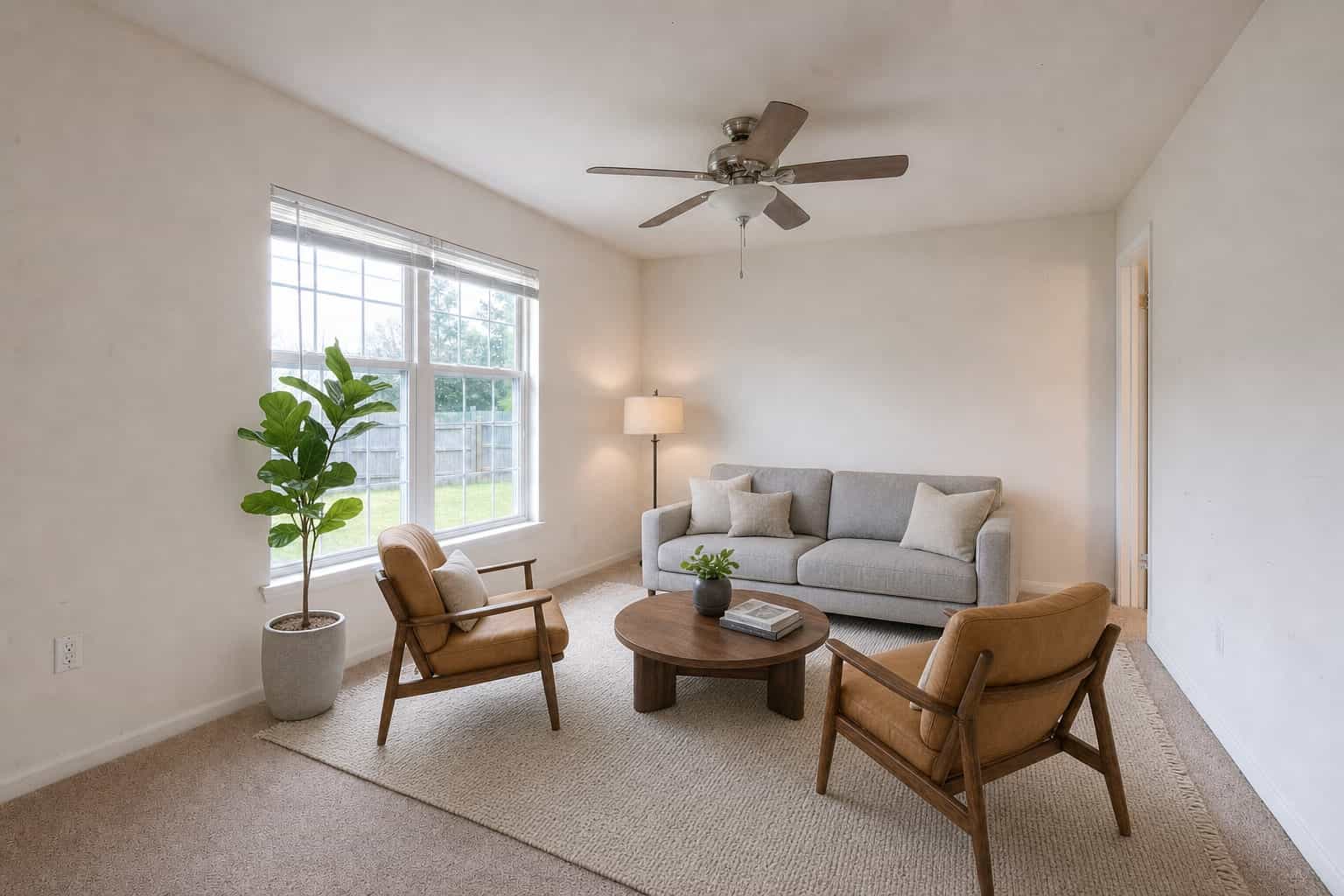
Virtual staging for real estate photographers is an add-on service: you photograph an empty room, and the delivered photo shows it furnished in a style that suits the home, at true scale, with the unstaged original delivered beside it. It costs the agent a fraction of physical staging, and it costs you nothing extra on site if you shoot the room the right way.
Vacant listings are common, and empty rooms are the hardest photos in any gallery to make work. This guide is about the business side: why staging belongs on your menu, how to shoot rooms that stage well, when to stage one angle or several, what separates believable staging from an obvious paste, how to handle disclosure, and how to price it to agents.
Why photographers offer virtual staging
An agent with a vacant listing already has a problem: the rooms read cold and small, and physical staging means furniture deliveries and a monthly bill. You are already in those rooms with a camera. Offering staging turns a problem the agent was going to solve elsewhere into a line on your invoice.
- It raises the value of each booking without adding time on site
- It keeps the agent with one supplier for the whole listing, which makes rebooking easier
- It gives you an answer when an agent says the empty rooms look bare
- It pairs with work you already deliver: the merged, corrected photo is the base the staging sits on
How to shoot empty rooms for virtual staging
Staging furnishes the photo you send. It does not reshoot the room, so the frame decides how good the result can be. Shoot every vacant room as if it will be staged, because sometimes the agent decides after the shoot.
- Shoot from a corner or doorway, wide, so the room's full floor area shows and the furniture has a floor to stand on
- Keep the camera at chest height or a little lower, level, with straight verticals. A low, level frame makes furniture placement believable
- Leave space in the frame. Cropping tight to the walls leaves nowhere to put a sofa
- Clear the floor completely: paint tins, cords, ladders and boxes all fight the staging
- Turn every light on, open the blinds and bracket the frame, so the merged room has clean, even light for the staging to match
- Shoot the rooms buyers care most about first: the living room, the primary bedroom and any open kitchen and dining area
Multiple angles of one room
Open plans and primary suites often need more than one frame to read. If you shoot a room from two or more positions, keep obvious overlap between them: the same window, fireplace or doorway visible in each. That overlap is what lets the room be furnished once and shown consistently from every camera.
Shoot all the angles of a room in the same visit, with the same lights on and the blinds at the same angle, so the light in each frame matches.
Single room staging or multi-perspective staging
Single-frame staging treats each photo on its own. That is right when the listing shows one frame per room.
When a listing shows the same room from several angles, buyers flip between them, and staging that changes from frame to frame (a sofa that moves, a rug that disappears) breaks the whole gallery. Multi-perspective staging solves it by placing one furniture layout in the room and rendering it from each camera, so every angle shows the same pieces in the same places. The rule is simple: one frame of the room, stage the frame; two or more frames of the room, stage the room.
What makes virtual staging look real
Buyers rarely say why staging looks wrong, but they feel it. Check every staged frame against these before it goes to the agent:
- Scale: the sofa measures against the window sill, the door and the baseboard. A bed that would not fit through the doorway is the wrong size
- Shadows: furniture casts contact shadows on the floor, falling away from the windows that light the room
- Light direction: highlights on the furniture come from the same side as the light in the room
- Fit: the furniture suits the room's size and the home's style. Oversized pieces make a room look small, and a luxury set in a starter home reads as a costume
- Consistency: one style across the whole listing, so the living room and the bedrooms look like the same home
- Nothing else changed: the same floors, walls, windows and view through the glass as the original
Choosing a furniture style for the listing
The style should suit the house and the buyers it will attract, not the photographer's taste or the agent's. A craftsman bungalow reads as itself in a farmhouse or transitional style; the same rooms in a glossy luxury set look staged in the wrong sense. A new-build townhouse suits modern neutral or Scandinavian furniture; a beach-town condo can carry coastal.
Hold one style across every staged room in the listing. A living room in one style next to a bedroom in another looks like two different homes, and buyers notice. When the agent has no preference, a neutral modern style is the safe default: it dates slowly and gives buyers the least to disagree with.
Ask the agent who the likely buyer is before you order. A first-time buyer, a downsizing couple and a family moving up a price band picture different lives in the same room, and the staging can help each of them see theirs.
A staging workflow that holds up
Make staging routine rather than a special request, and it becomes easier to sell and quicker to deliver. Ask at booking whether the home is vacant, and offer staging then. Shoot every vacant room wide, level and clean, with overlap between the angles of any room you show more than once. Merge and correct the brackets first, then order staging on the merged photos in one style for the whole listing.
Check every staged frame for scale, shadows and anything that changed besides the furniture, and hold back any frame that fails. Deliver each staged photo with its unstaged original and the disclosure label the agent's board expects. Done the same way every time, staging stops being an extra job and becomes part of how you deliver a vacant listing.
Rooms that still have furniture in them
Virtual staging works on empty rooms. A room with the seller's furniture still in it is a decluttering job first: the existing pieces are removed, and then the clean room is staged. Tell the agent before the shoot, because decluttering is a separate line on the order and the agent should know why it is there.
Never use staging to hide something about the property. Furniture can show how a room could be used; it should not cover damage, a stain or a feature the buyer will find at the showing.
Disclosing virtually staged photos
A staged photo shows a room that is empty in person, so buyers need to know. The common practice is to label each staged image as virtually staged, in the listing remarks and ideally on the image itself, and to include the unstaged original in the gallery. Many MLS boards require some form of disclosure, and the rules differ by board, brokerage and state, so check the current rules for the market you shoot in.
Your part as the photographer is to make disclosure easy: deliver the original beside every staged frame, offer an on-image label, and remind the agent what their board expects. The decision to publish, and how, stays with the agent.
How to price virtual staging to agents
Price staging per photo, not per listing, because the number of vacant rooms varies so much from one home to the next. Agents compare it with physical staging, which is a delivery fee plus a monthly rental, so a per-photo price is easy for them to accept.
- List single-room staging as a per-photo add-on on your booking menu
- Price extra angles of the same room separately, so the agent pays for what the listing shows
- Include one or two staged rooms in your top package for vacant listings
- Quote decluttering separately for rooms that still have furniture in them
Virtual Staging on Better Listing Media
In Studio, staging is ordered on the photos you choose, and the result comes back to the shoot. Virtual Staging furnishes one empty room in the style you pick: Modern Neutral, Scandinavian, Farmhouse, Coastal, Minimalist, Luxury or Transitional. Furniture is placed at the room's true scale, with shadows that match the room's real light, and the unstaged original comes back with every order.
Multi-Perspective Staging is for rooms shown from several angles: the room is staged once and rendered from each camera, two angles minimum, with each further angle priced as its own line. A room that still has furniture in it goes through Declutter first. Nothing is delivered until you approve it, and the Brand tool can add a Virtually Staged tag to the photos you choose, off on every photo until you turn it on. Current rates are on the pricing page.
This guide goes with Virtual Staging.